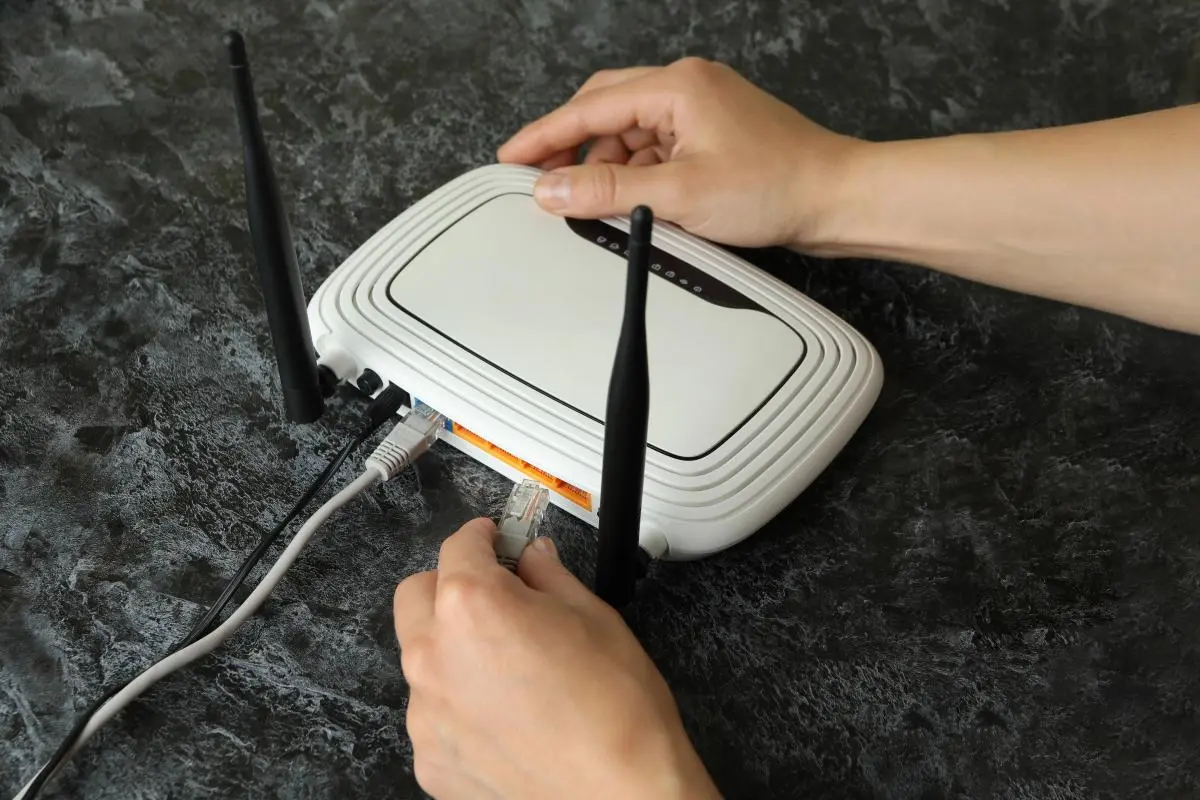
A coin or a piece of foil on the router’s casing does not boost Wi-Fi; on the contrary, it can reduce the signal by more than half and cause the device to overheat, according to Les Numériques.
The tip to place a two-euro coin on the router regularly pops up on YouTube. The logic behind it is simple: metal reflects radio waves, so it supposedly “redirects” the signal and increases coverage. There is no technical evidence to support this, and telecommunications experts unanimously refute this advice. The publication attributes any improvement noticed by some users to the placebo effect or to a coincidence with the router being restarted.
Router antennas are precisely tuned to specific frequencies. A metal object nearby shifts their resonant frequency, and some of the energy is reflected back into the device’s internal circuitry. In addition, the radiation pattern becomes distorted, creating “dead zones,” and an object on the router’s casing blocks the ventilation openings. Due to overheating, the router limits its performance and wears out faster.
Why Metal Interferes with the Antenna
Certified wireless network expert Daniel Kochvara explains that metal within a distance of less than one wavelength interacts with the antenna and effectively becomes part of its system. This disrupts impedance matching, increases the standing wave ratio, and the reflected power is not only wasted but can also overheat the access point’s components and eventually cause them to fail, the CWNP specialist emphasizes.
“In short, placing a Wi-Fi access point too close to metal fundamentally alters the operation of its antenna, creating an impedance mismatch that is measured as a high SWR, and distorting the intended radiation pattern,” notes Kochvara.
At the same time, reflectors can be useful if their shape is tailored to a specific room. In 2017, researchers at Dartmouth College 3D-printed a plastic reflector with a thin layer of metal costing about $35. It amplified the signal by 6 dB where needed and attenuated it by up to 10 dB in other areas, according to Dartmouth College.
What Really Helps
The router’s location has the greatest impact on signal quality. It’s recommended to place it in the center of your home at a height of about 1.5 meters. If placed on the floor or in a closet, the device loses up to 30% of its range. You should also keep the router away from metal objects, thick walls, microwaves, cordless phones, and even aquariums, since water absorbs radio waves well.
The 5 GHz band is best suited for streaming and video calls near the router, while the 2.4 GHz band, which penetrates walls better, is ideal for remote smart devices. It also helps to choose a less congested channel, connect stationary devices via cable, and periodically restart the router and update its firmware. In large homes, it’s worth installing a mesh system or PLC adapters.