
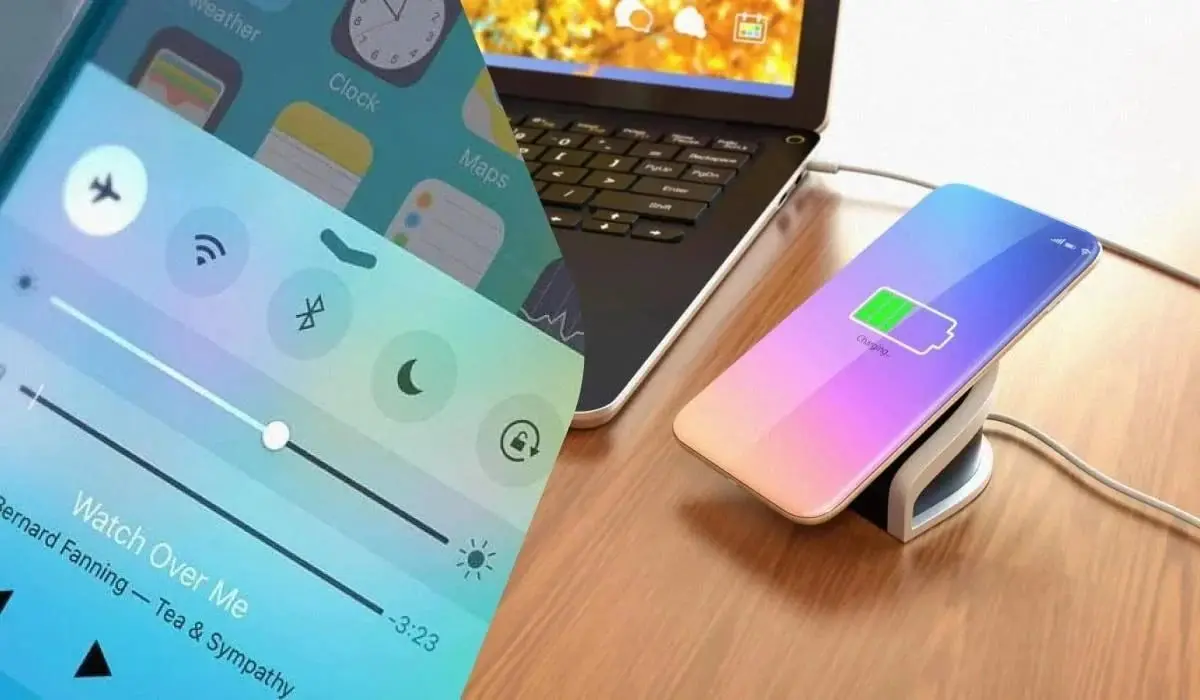
"Airplane mode" allows you to quickly reduce your smartphone's power consumption and speed up charging: it turns off the cellular and Wi-Fi modules, which constantly drain the battery even when you're not using the internet. Since the phone no longer needs to maintain a connection to the network, the battery recharges noticeably faster, according to Interia.
This feature also comes in handy in areas without coverage: on a train, in the mountains, or in the woods. When a smartphone loses signal, its antenna operates at full power and constantly searches for the nearest cell tower. As a result, a fully charged battery can drain in just a few hours, but Airplane Mode stops this process.
When traveling outside the European Economic Area, this mode protects against high roaming charges by blocking background syncing, app updates, and email downloads. You can still turn on Wi-Fi manually, for example, at a hotel.
If pages load slowly or calls drop despite a full signal bar, simply turn the mode on for a few dozen seconds and then turn it off. This causes the device to search for the most stable signal again, and in most cases, the connection is restored immediately. The publication recommends using this feature in the evening as well, so that notifications don’t disturb your sleep.
How Many Minutes Can You Save
During testing, Airplane Mode reduced the time it took to charge the device to 50% by 11 minutes, and in another test, where the screen remained on, by 4 minutes. Before charging, journalists recommend closing all apps and not constantly checking the battery level, as the display backlight consumes a lot of power, writes CNET.
The author of the article, Dan Graziano, cautions against having unrealistic expectations and reminds readers that the result depends on the battery’s capacity and condition, as well as the charger’s power output.
“Although charging time won’t be drastically reduced (only by a few minutes), every second counts when you’re in a hurry,” Graziano notes.
Not all modules turn off
At the same time, “Airplane Mode” is no longer a universal switch that turns off all wireless connections. First and foremost, it turns off the cellular connection, and Apple allows you to enable Wi-Fi and Bluetooth on an iPhone without exiting this mode. Android devices can also remember these settings, so the actual effect depends on the specific smartphone, Make Tech Easier emphasizes.